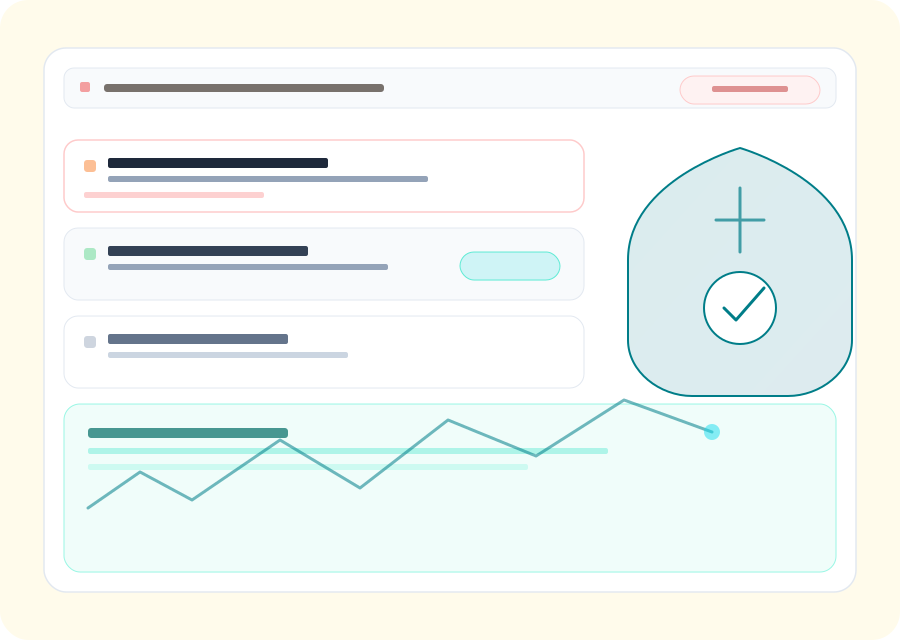
Phishing & credential abuse
Coverage areas
Domains, social, app stores (scoped to your program)
Delivery
Platform workflows + optional managed services
Outputs
Prioritized queues, evidence, takedown tracking
Coverage
Threat patterns programs typically monitor
Programs are tuned to your marks and channels; the list below reflects common categories teams prioritize.
Web impersonation & lookalike hosts
Domains and pages that mimic your login, checkout, or support experiences-prioritized by live content and customer impact.
Brand misuse in social & marketplaces
Impostor profiles, scam storefronts, and misleading listings that borrow your name, marks, or creative assets.
Mobile abuse surfaces
Suspicious or misleading app listings that could confuse users alongside your legitimate mobile footprint.
Scam campaigns & lures
Promotions, giveaways, and messaging that funnel victims toward fraud-often crossing email, web, and social.
Executive & VIP impersonation
Personas and channels pretending to be leadership or finance personas to pressure employees or partners.
Operational evidence & takedowns
Repeatable documentation and status tracking for hosts, registrars, and platforms so actions are defensible and auditable.
See risky pages sooner, then close the loop
Tight blocks you can scan first, then FAQs and related guides carry the rest of the evaluation story.
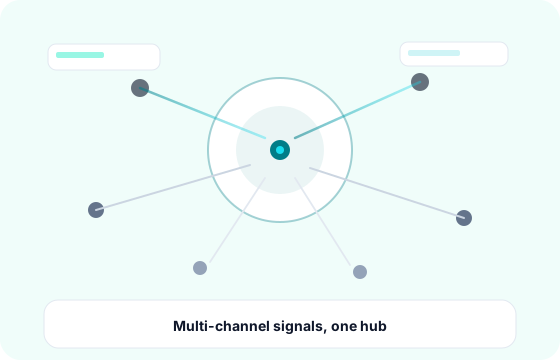
Visibility across how phishing actually spreads
Impersonation is not one attack type. It is fake logins, bogus checkouts, wallet drains, and support clones that move through SMS, ads, social, and direct browsing, not only email. Continuous discovery anchored to your marks, domains, and high-risk login paths beats one-off URL checks.
Prioritized discovery
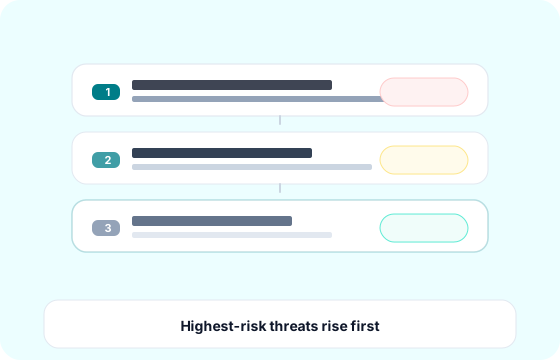
Not every lookalike string is a live phish. PhishEye-style workflows score hosting behavior, content signals, certificates, and proximity to real customer journeys so credential harvesters and active scams surface before parking pages and old marketing typos clog the queue.
Cases built for enforcement
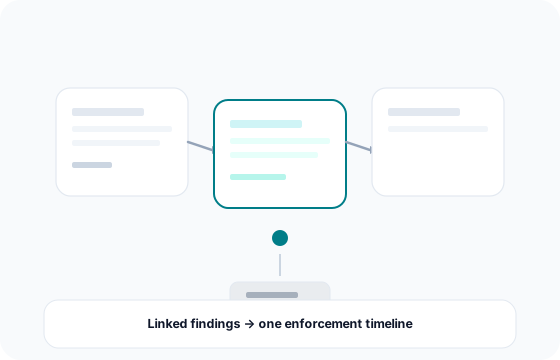
Related hosts, redirects, and kit patterns belong in one timeline. The goal is a repeatable evidence narrative for registrars, hosts, and platforms, not a screenshot lost in chat. Automation can collect artifacts and pre-fill routine steps; analysts keep judgment on edge cases and partial mitigations.
Takedown status you can audit
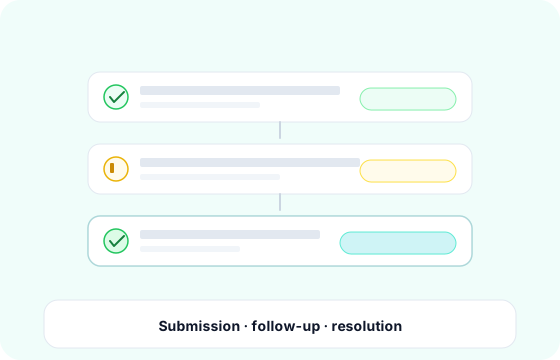
Third-party takedowns are follow-ups, not magic buttons. Track submissions, provider threads, partial mitigations, and recycle events so “resolved” matches what customers still see. When a host stalls, containment options (blocklists, payments, customer comms) stay tied to the same case ID.
Who this is for
Security and fraud leaders who want less reactive URL chasing, brand and trust teams who need defensible reporting, and buyers comparing vendors on workflow depth, not slide decks. Email and EDR still leave gaps when lures start outside the mailbox; web impersonation coverage closes those paths.
Protect revenue and customer trust
See how PhishEye centralizes detections, evidence, and takedowns so security, fraud, and brand teams share one operational picture.
FAQs
Common questions
What does phishing and scam protection cover?
How is phishing detection different from a one-off URL scanner?
Can PhishEye support our existing SOC or abuse inbox?
Do we still need this if we already have email security and EDR?
Explore further
Related pages
Ready to scope a program for your marks and channels?